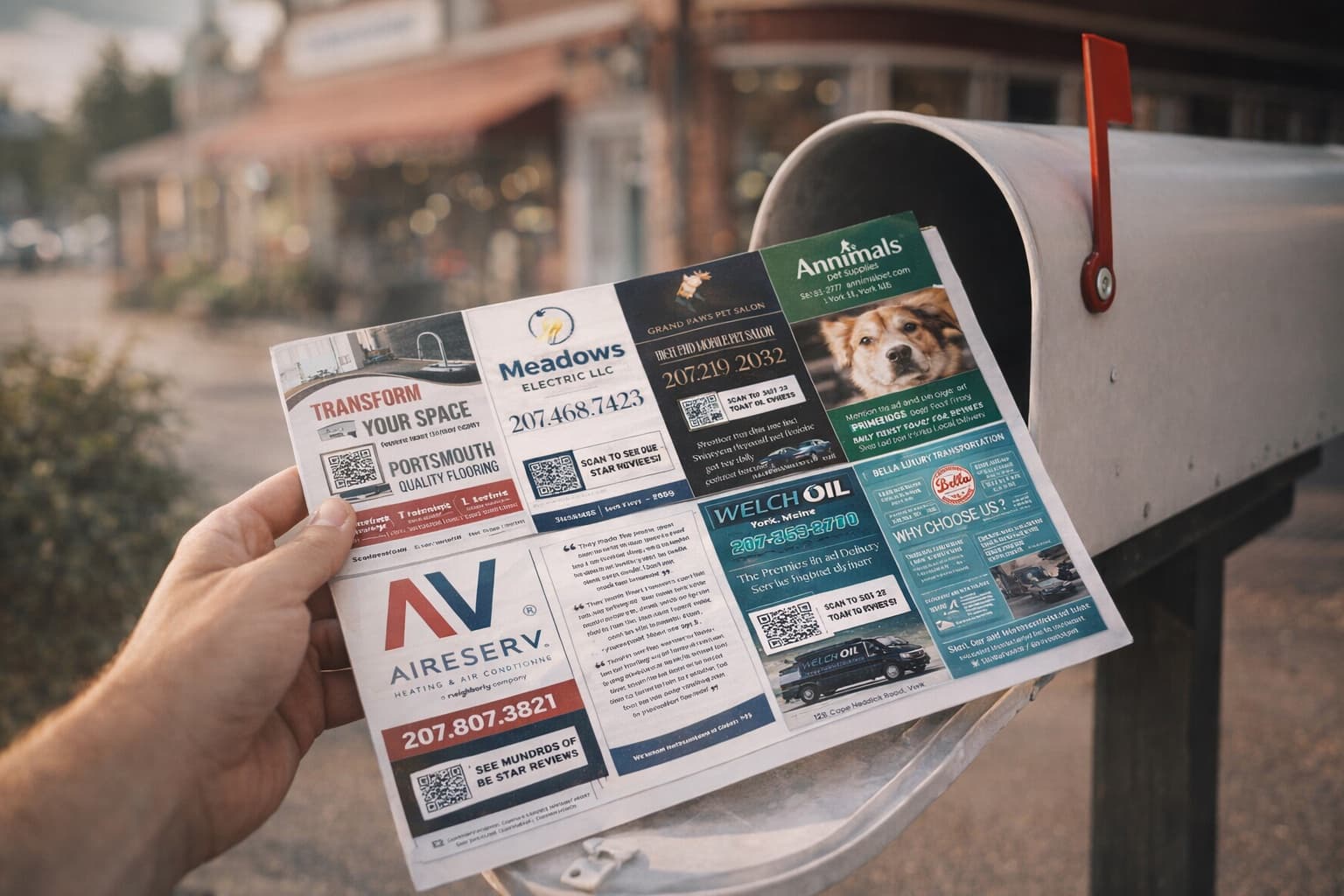
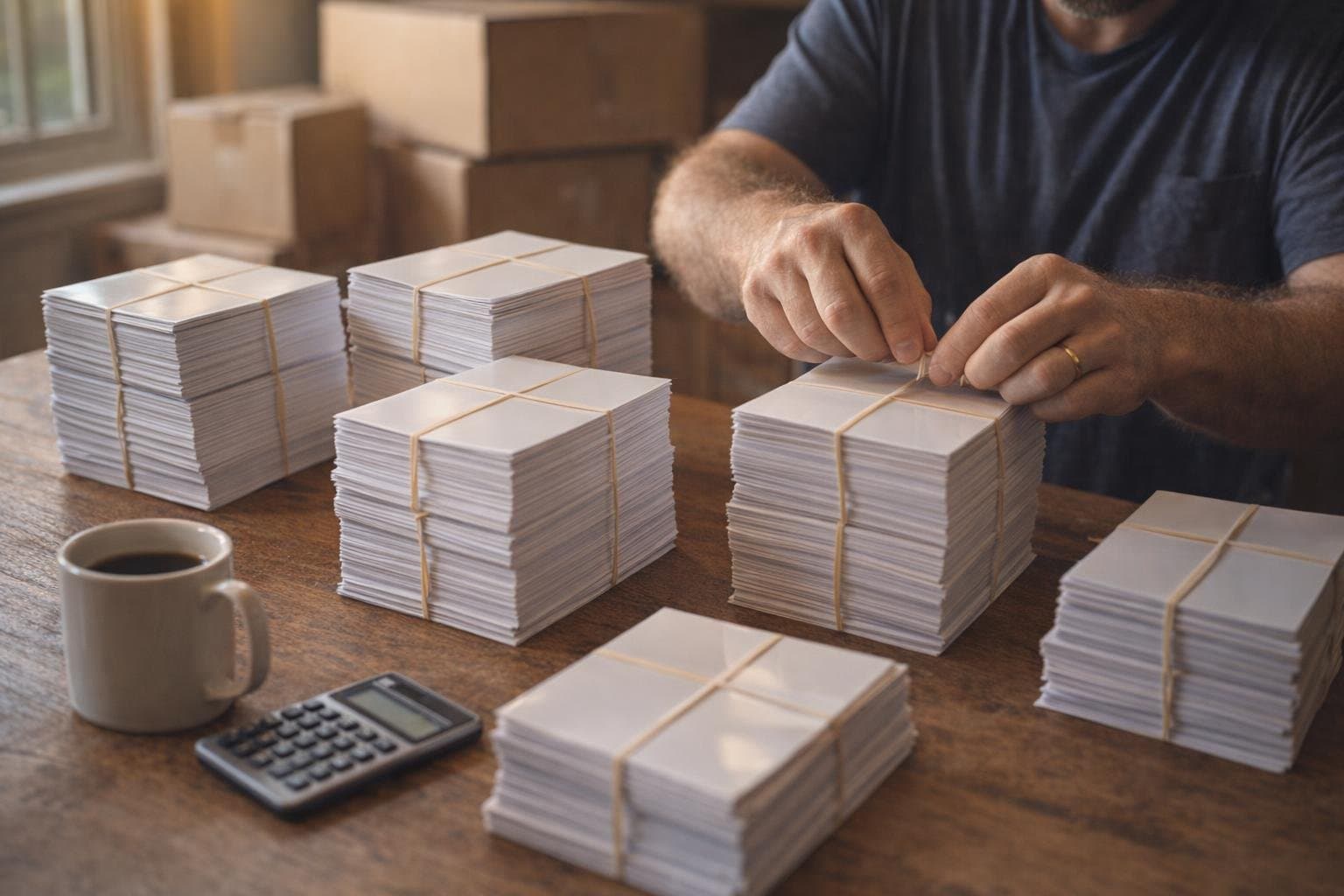
If you've never had anything printed at 5,000-piece volume, 9x12 postcard printing can feel like opening a black box. What paper weight should you order? What's a bleed and why does it matter? Why does USPS reject some cards at the counter and not others? What's the actual cost when you account for everything — printing, postage, packaging, USPS prep, the whole thing? I've talked to operators who paid $4,500 for a card they should have paid $2,999 for. That's $1,501 of profit gone because they didn't know how the printing layer works. So let me walk you through the entire 9x12 postcard printing process — specs, files, costs, and the gotchas that catch first-timers.
This is the technical post. If you want to print one yourself, this is the playbook.
USPS has hard rules about what qualifies for EDDM bulk postage. If your printed card doesn't meet these specs, USPS will reject it at the counter and your entire mailing is dead in the water. Memorize these.
Spec
Value
Why it matters
Width
9 inches
Standard 9x12 size
Height
12 inches
Maximum length before "non-machinable" surcharge
Paper weight
14pt cardstock with UV gloss
The 9x12 Method standard — perfect feel and durability
Bleed
0.125" all sides
Trim variance buffer — content extends past trim line
Safe zone
0.25" from trim edge
Critical content (text, QR codes) stays safely inside
Three big paper decisions: weight, finish, and coating. Each affects how the card looks, how it feels in the recipient's hand, and how it survives the mail journey.
14pt is the perfect weight for 9x12 postcard printing — and it's exactly what we use at print.9x12method.com. It's substantial enough to feel premium in the hand, sturdy enough to survive USPS automated sorting equipment, and priced right so the print economics still work for operators. We've mailed thousands of 14pt cards across the 9x12 Method community without a single rigidity rejection. It's the proven standard.
16pt is fine but unnecessary. It costs more per card, weighs more (which slightly affects shipping if you're using a print-and-ship workflow), and recipients honestly can't tell the difference between 14pt and 16pt when both are UV coated. Don't pay extra for it unless you have a specific reason.
18pt or 20pt is overkill for a 9x12 mailer. Heavier, more luxurious feel, sometimes used for premium business cards or wedding invitations — but you're paying noticeably more for marginal gain on a piece of mail.
12pt or thinner is too light. It bends in transit and feels flimsy in the recipient's hand. Don't go below 14pt.
Matte: Soft, premium feel. Easier to read text on. Doesn't reflect glare. Looks editorial. Most upscale-brand operators choose matte.
Gloss: High contrast, colors pop, photos look more vivid. Easier to wipe clean. Slightly cheaper than matte typically.
Both work fine. Matte tends to outperform gloss in markets that skew higher-income (premium feel = premium positioning). Gloss tends to outperform matte for high-energy offers and bright photo content (food, automotive, kid-related services).
UV gloss coating: This is the standard for the 9x12 Method, and it's what we print at print.9x12method.com. UV gloss adds a glossy protective layer that makes colors visibly pop, photos look more vivid, and the entire card feels professional in the hand. It also resists scratches and water, so cards survive being rummaged through mail stacks and shoved into mailboxes without damage. There's a reason every operator who's tested coatings comes back to UV gloss — it's the best-looking, most durable option.
Aqueous coating: Lighter water-based protection. Less shiny than UV gloss. Adequate but not as durable, and doesn't make colors pop the same way.
No coating: Cheapest option but cards scratch easily and absorb moisture in humid climates. Skip this entirely for any 9x12 mailing.
Most printer rejections come from improperly prepared files. Here's the sequence that produces a clean, print-ready file every time.
Build your design on a plain 9" x 12" file. If you print through print.9x12method.com, the trim and bleed margins get added in pre-print. Printing somewhere else? Ask if they want 9.25" x 12.25" with a 0.125" bleed built in.
Use CMYK color mode from the start. Don't design in RGB and convert later — colors will shift unexpectedly.
Keep all critical content (text, logos, QR codes) at least 0.25" inside the trim line. This is the safe zone.
Background colors and images that should run to the edge need to go ALL THE WAY to the edge of your file, so nothing stops short.
Use 300 DPI for all images. Save text as vector or live text — never rasterized at low resolution.
Reserve ~4" x 3" of clear space on the back side of the card (typically the right portion) for the USPS mailing indicator and ECRWSS label.
Export as a print-ready PDF. Embed all fonts. Flatten transparency. Confirm the file size: 9" x 12" for print.9x12method.com, or 9.25" x 12.25" if your printer wants the bleed built in.
If you use print.9x12method.com, most of this is automated through their templates — you just drop your design into the slot positions and the system handles bleed, safe zones, and ECRWSS labeling automatically.
Full-color, double-sided printing on 14pt cardstock with UV gloss
5,000 pieces
Bundling and packaging by USPS mail route
Facing slips prepared for every bundle
Drop-off at your local USPS for EDDM
Postage included
That single $2,999 number covers literally everything from your design file to physical cards in mailboxes. No separate postage check, no bundling at home, no driving stacks of cards to the post office.
Printing only (5,000 pieces, 14pt UV gloss, full color)
$1,800 – $2,400
EDDM postage at USPS
about $1,300
Bundling time (you do it)
3–5 hours
Driving to USPS
30–60 minutes
Total cash + time
$3,100–$3,700 + half a day
DIY pricing usually lands within a couple hundred dollars of the flat-rate service, but you eat the time of bundling, prepping facing slips, and driving cards to USPS. Most operators try DIY once and switch to flat-rate by card #2.
Pros: Built specifically for 9x12 EDDM workflows, includes postage + USPS drop, design templates pre-validated, flat-rate pricing
Cons: Per-unit cost is similar to DIY but includes everything; less flexibility for unusual sizes/specs
Best for: Most operators most of the time
print.9x12method.com falls in this third category — built specifically for the 9x12 Method workflow. It's not the cheapest per-unit, but it's the lowest total-cost when you account for postage, packaging, facing slips, and the USPS run.
How long does 9x12 postcard printing actually take from upload to mailbox? Here's the typical timeline.
Step
Duration
Upload design + place order
Same day
Pre-press review (file checks)
1–2 business days
Printing + cutting
3–5 business days
Packaging + facing slips
1 business day
USPS drop-off
1 business day
EDDM delivery to mailboxes
3–5 business days after drop-off
Total: design submitted → cards in mailboxes
9–14 business days
Plan for ~2 weeks between submitting your final designs and cards landing in mailboxes. Don't promise advertisers a specific mail date until you've got their final designs in hand and the print order placed.
Lessons from real operator mishaps. Avoid all of these.
Mistake 1: Wrong file size for your printer. print.9x12method.com adds trim and bleed in pre-print, so a plain 9x12 file is exactly right there. A lot of other printers want 9.25" x 12.25" with the bleed built in. Ask before you design, not after.
Mistake 2: RGB color mode. Designed in Photoshop in RGB, exported PDF, sent to printer. Colors print muted and wrong. Always CMYK from the start.
Mistake 3: Tiny safe zone violations. Phone number gets cut off because it was 0.1" from the trim edge. Must be 0.25" minimum.
Mistake 4: QR codes don't scan after print. Many free QR generators output low-res codes that look fine on screen but pixelate at 300 DPI scale. Test the printed QR with multiple phones before shipping.
Mistake 5: Forgetting the ECRWSS indicator. USPS rejects EDDM mailings without it. Easy mistake when designing without an EDDM-specific template.
Mistake 6: Going too thin OR too thick on cardstock. 12pt or thinner feels flimsy and bends in transit. 18pt+ is overkill and just costs more without recipients noticing the difference. Stick with 14pt UV gloss — it's the sweet spot the 9x12 Method has standardized on for a reason.
Mistake 7: Spelling errors in advertiser names. Embarrassing AND costs you the renewal. Have advertisers approve final proofs before going to print.
Mistake 8: Mailing date too close to offer expiration. Card mails on the 25th, offer expires on the 30th. Recipients get 5 days to act. Always plan offer deadlines 4–8 weeks AFTER the mail date.
You're running 1 card and want to maximize learning of every step
You have a specific local printer relationship
Total time investment doesn't matter to you
You enjoy the operational logistics
Use a flat-rate print + fulfillment service if:
You're running 2+ cards a month
Your time is worth more than the bundling labor
You want predictable flat-rate pricing
You don't want to drive 8 boxes of postcards to USPS
For most operators after card #1, the math heavily favors using a service. Your time is worth more invested in selling slot #17 of card #2 than spending 5 hours bundling card #1.
Full transparency — print.9x12method.com is the in-house print service for the 9x12 Method ecosystem. Most operators in the community use it. You don't have to. Local printers and national online printers also work fine for 9x12 postcard printing — you'll just need to handle the USPS prep and bundling yourself, and confirm they understand EDDM specs.
Printing 5,000 9x12 postcards on 14pt cardstock with UV gloss and full-color double-sided printing costs $1,800–$2,400 for printing alone, plus about $1,300 for USPS EDDM postage. The flat-rate print + fulfillment service at print.9x12method.com bundles printing, packaging, facing slips, and the USPS drop for $2,999 total, usually less than DIY and with no bundling or driving required.
14pt cardstock with UV gloss is the perfect spec for 9x12 postcard printing — it's exactly what we use at print.9x12method.com and what's been mailed across thousands of cards in the 9x12 Method community. It feels substantial in the hand, dominates the mailbox, survives USPS automated processing without rigidity issues, and the UV gloss makes the colors pop. 16pt costs more without meaningful improvement. 18pt or 20pt is overkill. Don't go below 14pt.
Bleed is part of every 9x12 print job, but you don't always have to build it in yourself. When you print through print.9x12method.com, you design on a plain 9" x 12" file and the trim and bleed margins are added during pre-print. If you print somewhere else, many printers want a 9.25" x 12.25" canvas with 0.125" bleed on every side. Either way, keep text, logos, and QR codes at least 0.25" inside the edge.
Technically yes, but it's expensive and not optimized for EDDM. FedEx Office and Staples Print don't typically stock 14pt cardstock with UV gloss at 9x12 size for short runs, and per-unit costs are much higher than online printers or specialized services. They also don't bundle, prep facing slips, or drop at USPS for you. For 5,000-piece EDDM mailings, use a 9x12-specialized print + fulfillment service or a national online printer.
From file submission to cards in mailboxes typically takes 9–14 business days: 1–2 days for pre-press file review, 3–5 days for printing and cutting, 1 day for packaging and USPS facing slips, 1 day for the USPS drop-off, and 3–5 days for EDDM delivery to all 5,000 households. Plan for about 2 weeks between final designs and cards landing in mailboxes.
Submit a print-ready PDF in CMYK color mode, sized at 9" x 12" (print.9x12method.com adds the bleed in pre-print) or 9.25" x 12.25" with 0.125" bleed if your printer requires it. All images should be 300 DPI minimum. All fonts should be embedded or converted to outlines. Use double-sided layout with the front and back as separate pages or as a single multi-page PDF. Most professional design programs (Adobe Illustrator, InDesign, Affinity Publisher, Canva Pro) export print-ready PDFs natively.
That's the full 9x12 postcard printing guide. Specs, files, costs, timelines, and the mistakes to avoid. Get this layer right and the rest of the 9x12 Method becomes mechanical — design, print, mail, repeat.
As always, I'm rooting for you. Peace.
Ready to run your own card?
Get the course, scripts, tools, and weekly coaching inside the 9x12 Method community.

 Mitchell Tebo