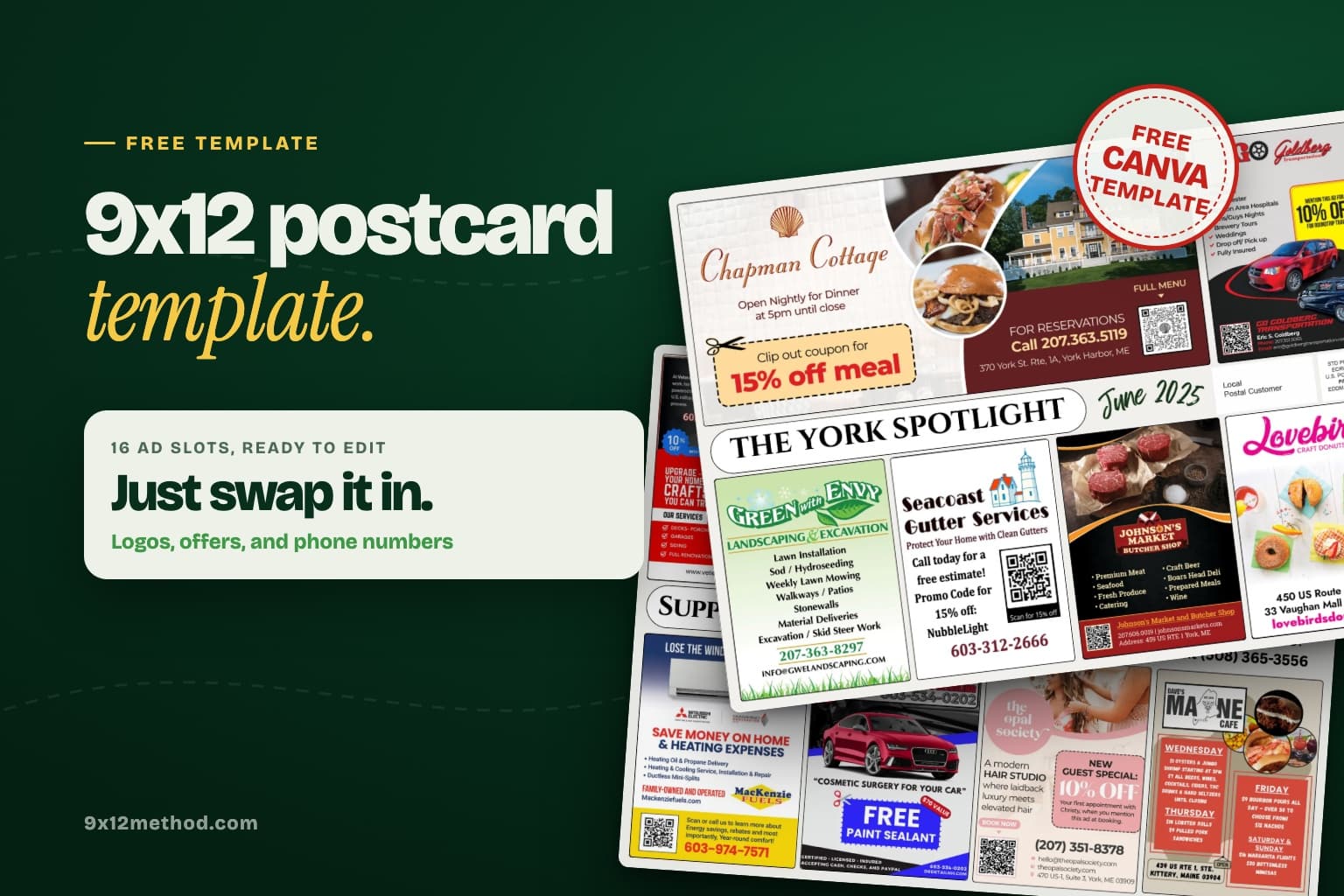
Get a free 9x12 postcard Canva template with every slot, banner, and mailing block already in place, plus a free community card template. Just swap in the ads.
The fastest way to wreck your first card is to design it from a blank canvas. Slots that don't line up, a phone number that gets trimmed off, no room for the postage block. So I'll send you my 9x12 postcard template for free. It's a Canva template that's clean, finished, and already has everything in place, so you just swap in each advertiser's logo, offer, and phone number. There's a free community card template too.
Drop your name and email and I'll send the Canva template straight to your inbox. It's free, and you can unsubscribe whenever you want.
If it doesn't show up in a few minutes, check your Spam and Promotions tabs. Then keep reading, because the rest of this post covers exactly how to use it.
Here's the thing. A 9x12 card is simple, but the numbers have to be exact or the printer and the post office will let you know about it. This is the layout I use on my own cards:
9" x 12"
Finished size
9" x 12"
Design file
16 (8 per side)
Ad slots
About 2.8" x 3.8"
Slot size
0.25"
Safe zone
Each side of the card has four slots across the top, four across the bottom, and a header banner running through the middle. It works because every slot gets the same size and the same shot at the eye, so nobody feels like they bought the bad seat.
Number your slots 1 to 8 on the front and 9 to 16 on the back, and use those numbers when you sell. "You're in slot 3, top row, front of the card" is a lot easier to deliver than "somewhere on the front."
The banner is your card's name. Something like "The York Spotlight" or "Support Local Businesses," plus the month. On the front, the right side of the banner is the perfect spot for your own line: "Want to advertise? Text (your number)." That line sells your next card for you. Every home on the route is seeing it, and so is every business owner who lives there.
On the back, the right end of the banner is the mailing block. That's where "Local Postal Customer" and the EDDM Retail postage indicia go. Keep it clear. No ads, no background photos running through it, nothing. If you're mailing it yourself, the USPS Every Door Direct Mail page spells out the indicia and addressing rules.
Canva is what most of our members use, and it's all you need. You don't need Photoshop, you don't need a designer, and you don't need to be artsy. Here's the exact process.
Grab the template with the form above. It lands in your inbox in a couple of minutes.
Open the email and click the template link. It opens in Canva so you can make your own copy.
Drop each advertiser's ad into a slot, or swap their logo, offer, and phone number into the sample ad that's already there.
Update the header with your card name, town, and month, and put your own "Want to advertise?" line in the banner.
Leave the mailing block alone.
Download it as a PDF and send it to print.
That's it. It is that simple.
If you're printing your 9x12 postcards with us, the finished file goes straight to 9x12 Method Printing. The All Inclusive package covers printing, postage, and the drop-off at the post office.
Bleed is a little extra background around the outside edge. Printers print slightly oversized and trim it down, and the cut is never perfect. If your background stops exactly at the edge, you can get thin white slivers on some cards.
Safe zone is the 0.25" just inside the edge. Anything important lives inside it: phone numbers, QR codes, logos, addresses. Anything outside it might get shaved off.
Keep the important stuff at least a quarter inch from every edge and you'll be fine. And build on a plain 9x12 file: when you print with us, we add the trim and bleed margins in pre-print. (Some other printers want 9.25 x 12.25 with the bleed built in, so ask if you print elsewhere.) If you want the deeper version, the 9x12 postcard printing guide covers paper, finish, and file specs.
Some advertisers want more room. Roofers and realtors especially. A double slot is two slots side by side, which comes out to about 5.7" x 3.8". Just merge two neighboring slots in your design and charge for both.
Doubles are a great upsell. Darin had a client start with one ad, upgrade to a double, then book doubles in all three of his markets. Jackson sold a double on his very first day of cold calling. The math on what that does to your profit is easy to test in our profit calculator.
The community card is the smaller, cheaper card: 16 slots on a 6" x 11" card, mailed to 2,500 homes, usually at $250 a slot. It's the one I tell brand-new people to start with because it fills fast.
6" x 11"
Finished size
6" x 11"
Design file
16 (8 per side)
Ad slots
2,500
Homes reached
Build it on a plain 6 x 11 design file. That's what I tell everybody, because when you print with us we add the trim and bleed margins in pre-print. If you'd rather build it at 6.25 x 11.25 with the bleed already included, that works too, and it's what some other printers ask for.
Same idea as the 9x12 (plain file, we handle the bleed): slots across the top and bottom, banner through the middle, mailing block on the back. The slots are smaller, so treat each one like a coupon, not a billboard. One offer, a big phone number, a QR code. Layouts vary from operator to operator, and our community card design guide walks through other ways to lay one out.
The template gets the layout right. The ads are what make the phone ring. A few rules that work in every slot:
One offer per ad. "$50 off your first cleaning" beats a list of eight services every time.
Big phone number. Big enough to read from across the kitchen.
A QR code with tracking. This is how you prove the card worked when renewal time comes. We use ScanLab for this, and here's why QR code tracking matters so much for renewals.
Logo small, offer big. Business owners always want their logo huge. Homeowners don't care about the logo. They care about the deal.
High contrast. Dark text on light, or light on dark. Nothing cute.
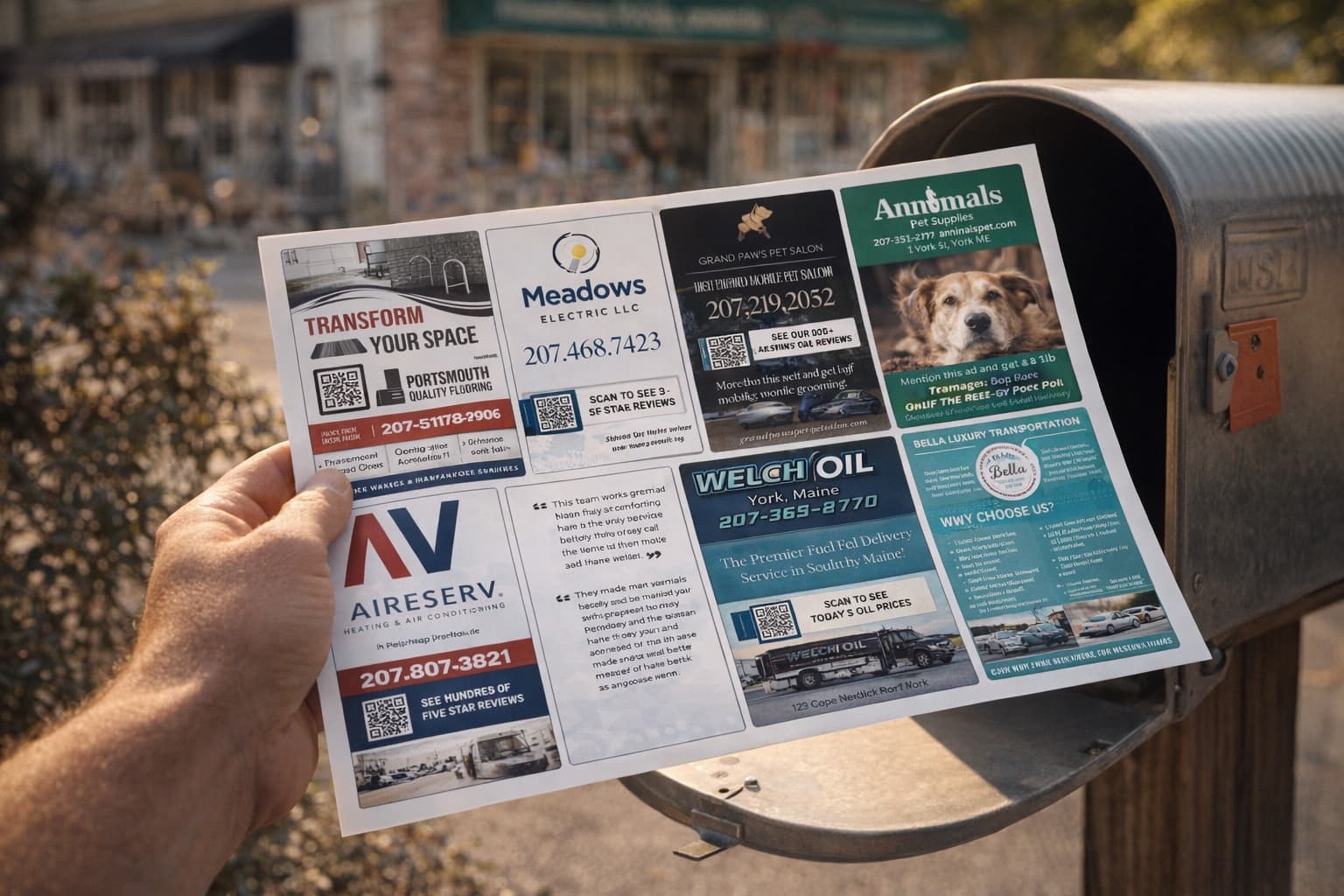
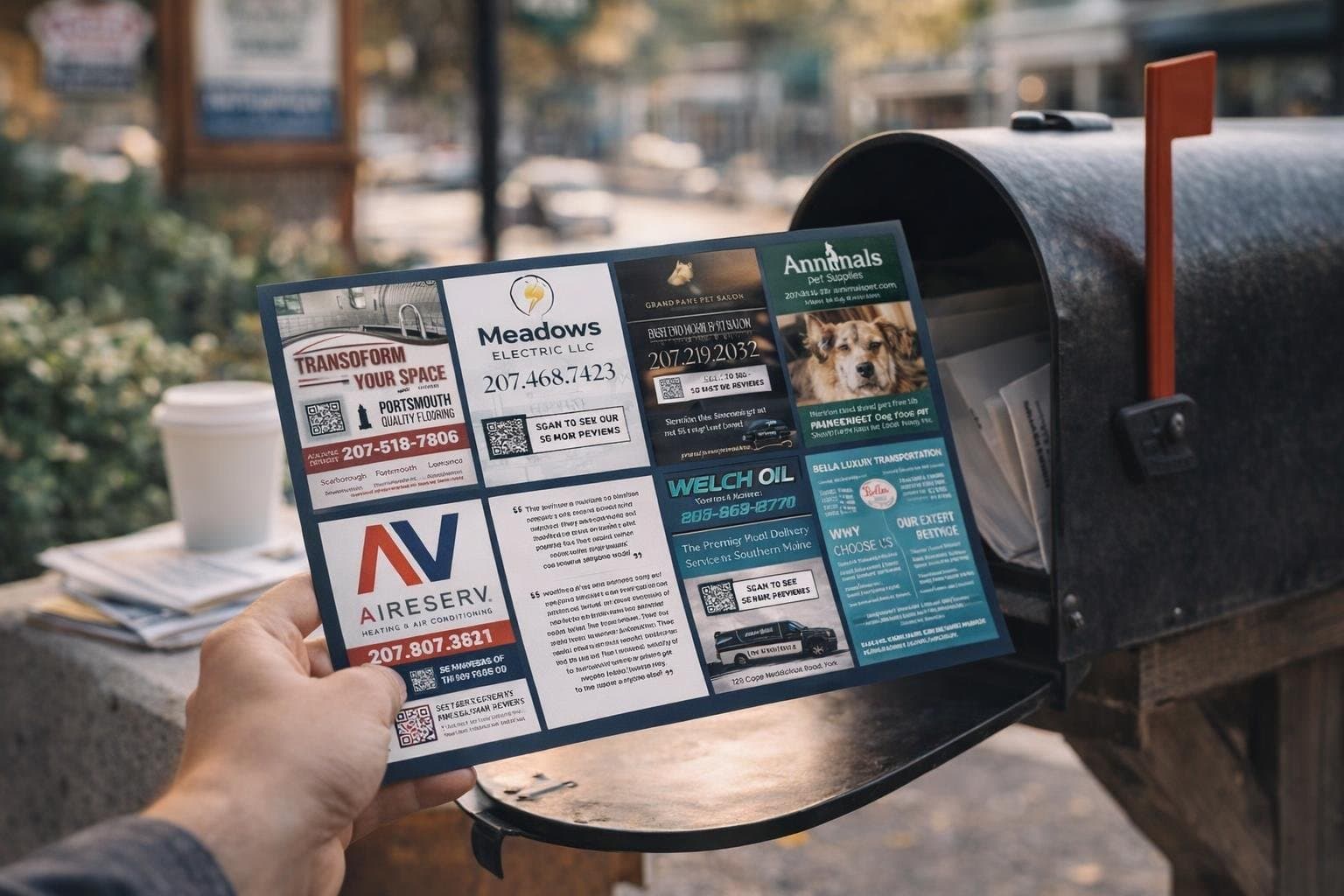
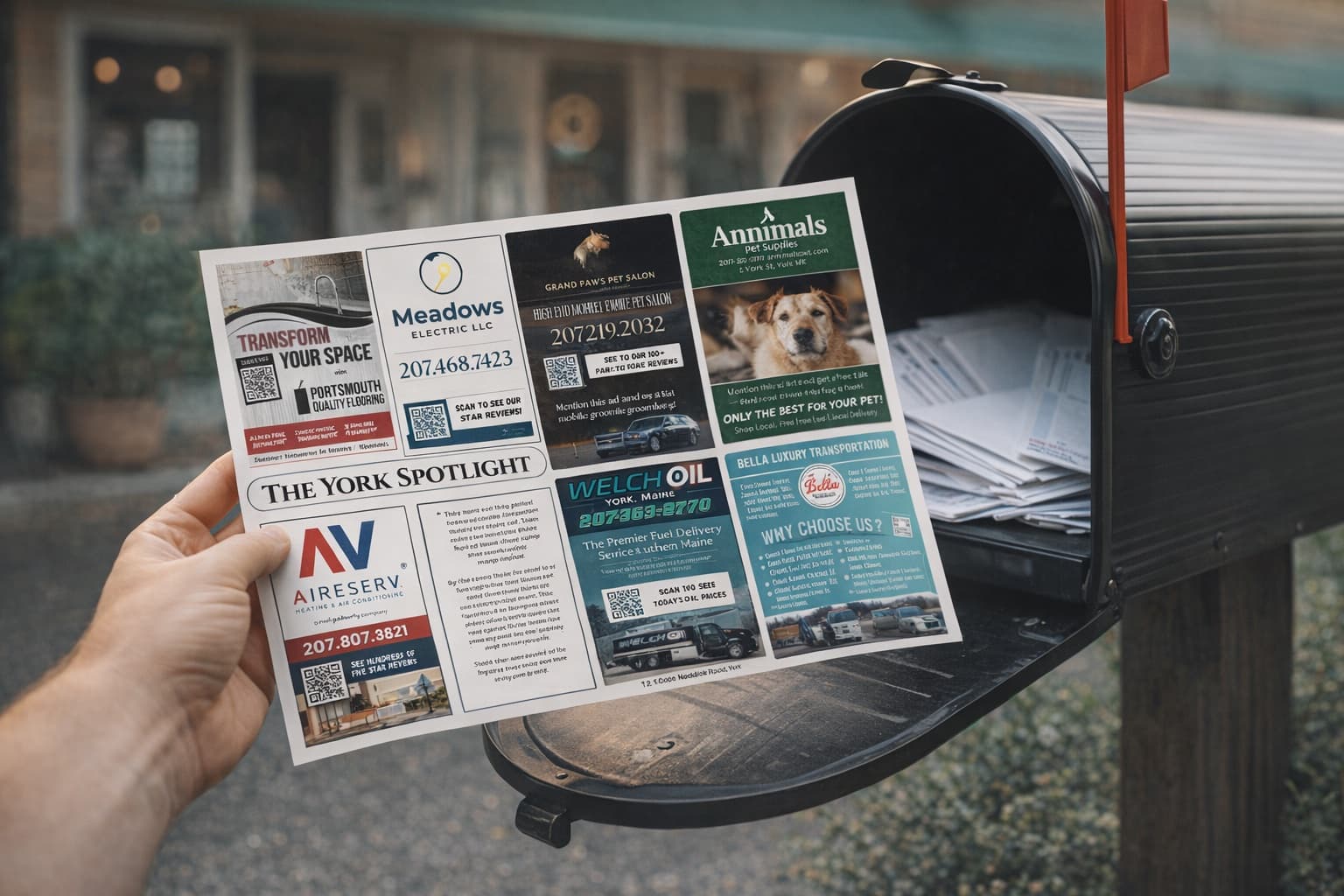
Want to see those rules on cards that actually mailed? I broke down a few of mine in these postcard advertising examples.
Full transparency: inside the community we have more ready-made Canva ad layouts, scripts, and the AI Ad Designer that builds a print-ready ad in about 30 seconds. You don't need any of that to use the free template. It's just faster.
Yes. Enter your name and email on this page and I'll send you the Canva template. You'll also get my 9x12 tips by email, and you can unsubscribe anytime.
Sixteen is the standard: eight on the front and eight on the back, four across the top and four across the bottom with a header banner in the middle. You can combine two slots into a double for advertisers who want more room.
On the layout I use, it sits at the right end of the banner on the back, next to "Local Postal Customer." Keep that block clear of ads and backgrounds. If you mail it yourself, check the USPS Every Door Direct Mail requirements before you print.
Build it at 6" x 11". When you print with us, we add the trim and bleed margins in pre-print. Building at 6.25" x 11.25" with bleed included works too. The free community card template is right on this page.
Go build something great with it. And when the first card sells out, come tell us about it. As always, I'm rooting for you.
Ready to run your own card?
Get the course, scripts, tools, and weekly coaching inside the 9x12 Method community.

 Mitchell Tebo