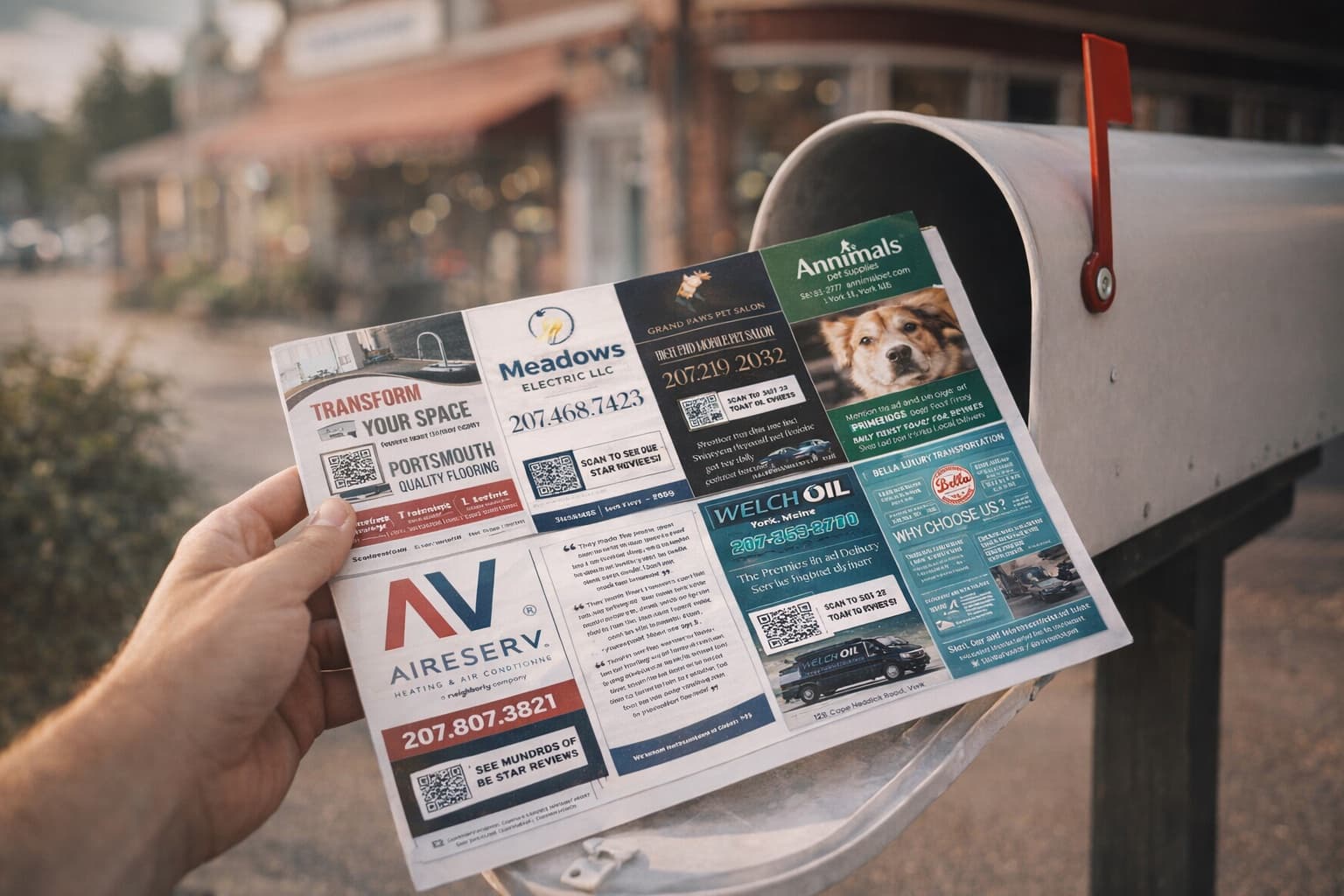
Picking the wrong EDDM routes is the single most expensive mistake I see new operators make — and it happens before they've even sold a single slot. They pick a neighborhood because it's convenient, or because it's where their house is, or because a friend lives there. That's not how this works. EDDM route selection literally determines whether your card #2 happens or not. Pick winning routes and your advertisers see results, renew, and refer their friends. Pick weak routes and your card barely converts, advertisers don't renew, and you start over from zero. Let me walk you through exactly how to pick the right routes — from the USPS tool, to the income filters, to the route-count math.
This is the part of the playbook that most operators rush through and pay for later. Take your time on this step.
Before we get into selection criteria, quick definition. An EDDM (Every Door Direct Mail) route is a postal carrier's daily delivery path through a specific neighborhood. Each route covers somewhere between 200 and 800 households, and USPS lets you mail one piece to every household on that route at the discounted EDDM postage rate (about 26 cents per piece).
You don't pick individual addresses. You don't buy a mailing list. You pick routes — the carrier handles the delivery to every door automatically. That's the whole magic of EDDM. Walk into the post office with a stack of cards bundled by route, drop them off, and within 3–5 business days every house on those routes has a card in their mailbox.
The unit of EDDM thinking isn't "people." It's "neighborhoods." You're not targeting individuals — you're saturating geographic areas. That's why route selection matters so much.
For a standard 9x12 mailer, you're targeting 5,000 households. That typically means selecting 8–14 individual mail routes that add up to roughly 5,000 homes. For a community card (6"x11"), you're targeting 2,500 homes, which is usually 4–7 routes.
Card type
Target households
Typical route count
9x12 postcard
5,000
8–14 routes
Community card
2,500
4–7 routes
Test mini-mailer
1,000
2–3 routes
Most operators get to roughly 5,000 households with about 10 routes that average 500 homes each. Some routes are bigger (urban areas with denser housing), some are smaller (suburban or rural with longer street distances).
The actual tool you'll use is at eddm.usps.com. It's free, public, and gives you everything you need. Here's the exact process.
Open the EDDM tool and search by ZIP code or city name. You'll see a Google Maps view with colored polygons showing each mail route boundary.
Click any route polygon to see the details — household count, average household income, average age, and total business count on that route.
Filter routes using the panel on the left. Set minimum household income (start at $60K), single-family residential preference, and household count range.
Click each route you want to include. The right-side panel adds them to your selection list and shows your running total of households and total postage cost.
Once you hit ~5,000 households, screenshot or print your route list. You'll need it when you submit to print + fulfillment (or hand-bundle for the post office).
That's it. The tool does most of the work — you just need the right filtering criteria. Which is what we're going to cover next.
This is the #1 predictor of whether your card converts for advertisers. Higher-income neighborhoods spend more on home services, repeat customers more often, and have larger transaction sizes.
Target: $60,000+ average household income, ideally $75,000+
Why this matters: A roofer's average customer has a roof. Roofs in $80K-income neighborhoods get replaced. Roofs in $35K-income neighborhoods often get patched or ignored. The economics of every advertiser on your card hinge on the spending power of the homes you're mailing to.
Rule of thumb:
Avoid — advertisers won't see returns, won't renew
Under $50K
Marginal — some categories work, most don't
$50K–$60K
Solid — most home service categories convert
$60K–$80K
Strong — premium service categories thrive
$80K–$120K
Excellent — premium positioning, $600+ slot pricing possible
Apartments, condos, and rentals don't drive the same response rates as single-family homes. Renters typically don't hire roofers, landscapers, exterminators, or pool services. Homeowners do.
Target: 70%+ single-family homes per route
The USPS tool doesn't show this directly, but you can infer it by switching to satellite map view. If a route looks like rows of single-family houses, it's a good fit. If it looks like apartment complexes or condo buildings, skip it.
You want enough density that mail delivery is efficient — but not so dense that the area is mostly transient renters or commercial buildings.
Target: Suburban density. Roughly 1,500–4,000 households per square mile.
Too dense (urban core) = lots of apartments, low-income mix, business-heavy. Too sparse (rural) = long routes with low household counts, often hard to fill 5,000 from one area.
The sweet spot is the classic American suburb. Single-family homes, decent yards, residential streets, occasional strip malls. That's the neighborhood profile that's been driving direct mail returns for decades, and it still works.
Most home service businesses (roofers, HVAC, landscapers, painters) target homeowners aged 35–65. That's the prime home-improvement demographic.
Target: Median age 35–55
Routes with median age under 30 tend to skew renter-heavy. Routes with median age over 65 may be retiree-heavy with limited home-service spending. The 35–55 sweet spot covers prime homeowner years where people are spending on the home.
Pick 8–14 routes that are physically next to each other on the map. This creates a cohesive "neighborhood" that you can name and brand around — "[Neighborhood Name] Local Spotlight" reads naturally to recipients.
Pros: Clean branding, advertisers feel they're "owning" a recognized area, recipients see the card as a local resource.
Cons: If you only have 3 great routes near each other, you may be forced to include 2–3 weaker neighboring routes to hit 5,000.
A few specific traps that cost operators thousands of dollars in lost advertiser renewals:
Mistake 1: Picking your home ZIP code by default. Your house is convenient, but unless it meets the income/density criteria, it's the wrong choice. Pick by data, not geography familiarity.
Mistake 2: Mailing rural routes with under 200 households. USPS requires a minimum of 200 pieces per route for EDDM rates. Routes below 200 either don't qualify or force you to mail less per route, breaking the math.
Mistake 3: Ignoring HOA / gated community routes. These often have great demographics but mail can be restricted in gated communities. Always Google the community name first to check.
Mistake 4: Spreading too thin geographically. A card mailing to 10 different neighborhoods scattered across 20 miles doesn't have the saturation effect that makes EDDM work. Tight geographic clustering creates the "saw it everywhere" effect that drives response rates.
Mistake 5: Not checking satellite view. Routes can look great by income but reveal as apartment complexes when you actually look at the map. Always verify visually before committing.
Here's a tactic most operators miss. Once you've picked your routes, screenshot the route map and use it in your sales pitch to local businesses.
When you reach out to prospects, attach (or paste in a follow-up) a map showing your selected routes with the neighborhood highlighted. Say something like:
"Here's the neighborhood your ad will reach — every single home in these routes will get the card. About 5,000 homes total, all in [specific neighborhoods]. You'd be the only [industry] hitting this area."
This is dramatically more compelling than abstract language about "5,000 homes." A visual map of THEIR neighborhood with a real polygon around it makes the offer concrete. Reply rates and close rates both go up.
After your first card mails and results come in, do a route audit. This is where serious operators get an edge over hobby operators.
3 weeks after the card hits mailboxes, ask each advertiser two questions:
Did you get any calls/scans/customers from the card?
If yes — did you happen to ask which area they were from?
Some advertisers will be able to tell you "got 3 calls, all from [specific neighborhood]." That's gold. It tells you which routes within your selection are converting hardest. On card #2, double down on those high-performing areas and drop the weakest routes.
Over 4–6 cards, you'll build a refined route list that consistently outperforms generic targeting. Top operators have routes basically memorized by performance. That's the unfair advantage that compounds over time.
Full transparency — the 9x12 Method community has a route-selection workshop and a directory of community operators sharing what's working in their markets. You don't need it. The criteria above are 90% of route selection. The community fills in the 10% with specific local insights.
Use the USPS EDDM tool at eddm.usps.com to search your target ZIP, then filter by 5 criteria: average household income $60K+, 70%+ single-family homes, suburban density (1,500–4,000 households per square mile), median age 35–55, and 5–25 local businesses per route. Pick 8–14 geographically adjacent routes that total ~5,000 households for a 9x12 card.
Roughly 8–14 routes for a 9x12 card targeting 5,000 households. Routes vary in size from 200–800 homes each, averaging around 500. For a community card targeting 2,500 homes, you'll select 4–7 routes. Always go slightly over 5,000 (e.g., 5,100–5,300) to account for any households the carrier can't deliver to.
Target $60,000+ average household income. Below $50K, most home service categories don't convert well — advertisers don't see returns and won't renew. The sweet spot for most markets is $60K–$80K, which supports standard $500 slot pricing. $80K+ enables premium $600+ slot pricing.
You can, but you shouldn't if you're running a home services postcard. Apartments, condos, and rentals don't drive response rates for roofers, landscapers, HVAC, etc. — those are homeowner-targeted categories. Stick to routes that are 70%+ single-family homes for best results. Use the satellite map view in the USPS tool to verify visually.
Yes — the USPS EDDM Online Route Selection tool at eddm.usps.com is completely free. It shows household counts, demographics, postage costs, and route maps. You only pay when you actually mail (about 26 cents per piece postage, plus printing). Most operators using a flat-rate print + fulfillment service like print.9x12method.com skip the USPS submission process entirely.
Once you drop your bundles at the post office, EDDM delivery typically begins within 3–5 business days. Most operators see their entire 5,000-piece batch delivered within a week. USPS doesn't guarantee a specific delivery date, but turnaround is generally fast and predictable in most metro areas.
EDDM route selection isn't a guess. It's a data exercise. Use the criteria above, pick a geographic cluster, hit ~5,000 households, and watch your card #1 perform dramatically better than the operators who just picked their home ZIP and shipped.
As always, I'm rooting for you. Keep winning.
Ready to run your own card?
Get the course, scripts, tools, and weekly coaching inside the 9x12 Method community.

 Mitchell Tebo